How to plan an IT move
Most office moves are judged on one thing: does everything work on Monday morning? That depends on planning the IT part early.
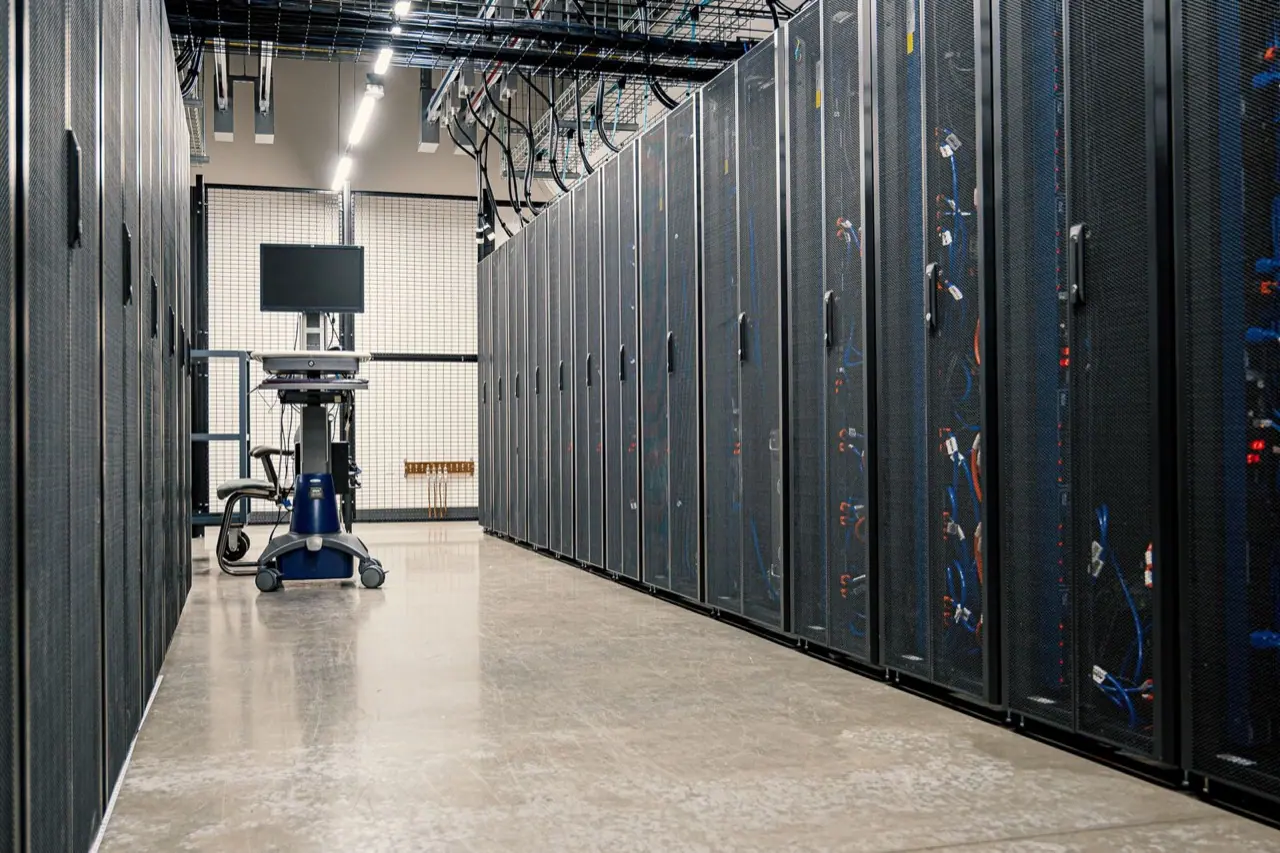
Steps
Order lines early
Internet and phone lines for the new space can take weeks to install. Order them as soon as the lease is signed.
Make an inventory
Every computer, monitor, printer, phone, switch and server, with where it is now and where it goes.
Back up
Full backups of servers and important devices before anything is switched off.
Agree roles
Your IT team or provider disconnects and reconnects. Movers pack, move and place. Write it down.
Set the order
Servers and network first at the new site, then workstations. Shutdown at the old site in reverse.
Label everything
Each device and its cables get the new desk or rack number.
Test before Monday
Log in at a few desks, print, call and check shared drives before staff arrive.
Where movers fit in
Movers pack devices in padded crates or anti-static bags, track them with the inventory and put each one on the right desk or in the right rack. Network and system setup stays with your IT team.
See IT and server moving for what we handle.

Planning a business move?
Send the details and we reply by email with a written quote.